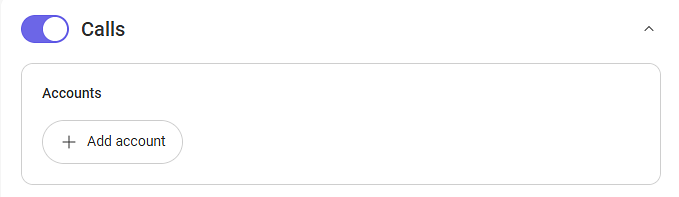
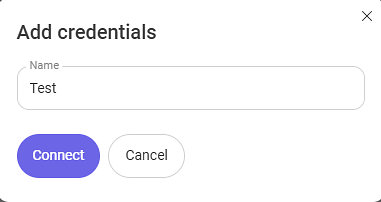
Save the connection and confirm its successful establishment.
Connecting Octella Softphone Widget
Installation: Use the providedlink to download and install the widget.
Authorization: Authenticate using your Octella account credentials. Log in to the installed widget under the same account.
Functionality Check: In HubSpot, enable the "Show Softphone" option. Ensure the widget icon appears in the CRM interface.
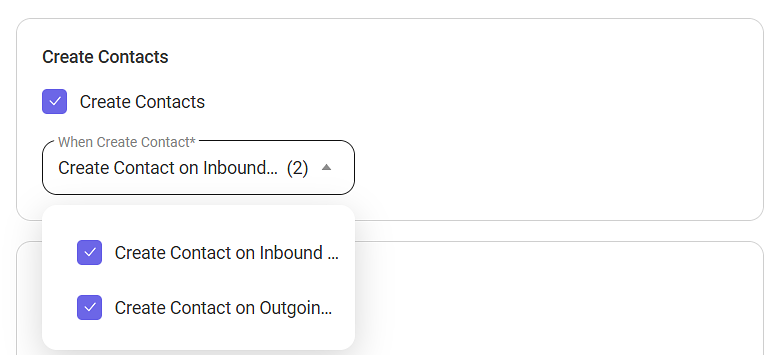
Contacts Creation
Create Contact on Inbound Call to Unknown Number. Create Contact on Outgoing Call to Unknown Number.
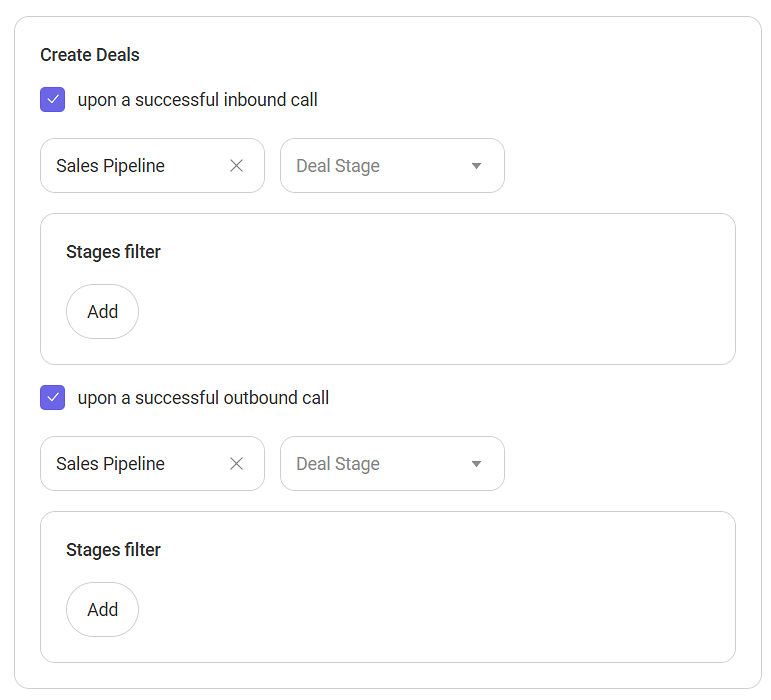
Deal Creation
On Successful Inbound Call - Select the sales pipeline and stage for creating a deal on successful incoming calls by default. Deal Creation Conditions - In this setting, you can specify conditions for creating deals in a specific pipeline and at a specific stage.
The following conditions are available for incoming calls:
Virtual Number
Scenario
On Successful Outgoing Call - Select the sales pipeline and stage for creating a deal on successful outgoing calls by default.
The following conditions are available for outgoing calls:
Employee
If the call does not meet the conditions configured in the filter, the deal will be created in the pipeline from the "Default Pipeline" setting.
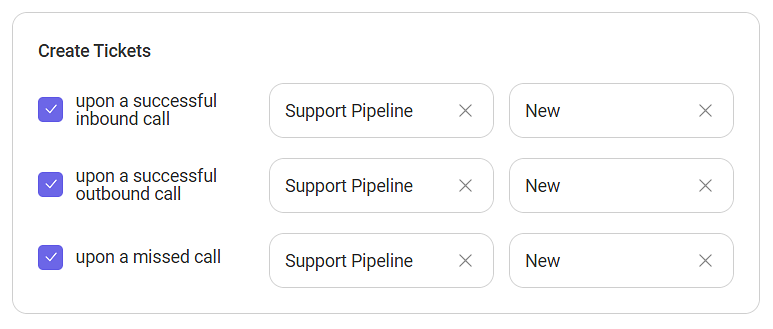
Ticket Creation
On Successful Incoming Call - Select the pipeline and ticket stage for creation in HubSpot on successful incoming calls.
On Successful Outgoing Call - Select the pipeline and ticket stage for creation in HubSpot on successful outgoing calls.
On Missed Call - Select the pipeline and ticket stage for creation in HubSpot on missed calls.
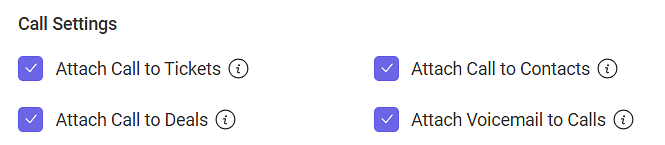
Call Settings
Attach Call to Ticket - This setting allows the system to automatically attach call audio recordings and related information to corresponding tickets in HubSpot.
Attach Call to Deal - This setting allows the system to automatically attach call audio recordings and related information to corresponding deals in HubSpot.
Attach Call to Contact - This setting allows the system to automatically attach call audio recordings and related information to corresponding contacts in HubSpot.
Attach Voicemail Recording to Call - Enable automatic attachment of voicemail recordings and contact information if voicemail is configured.
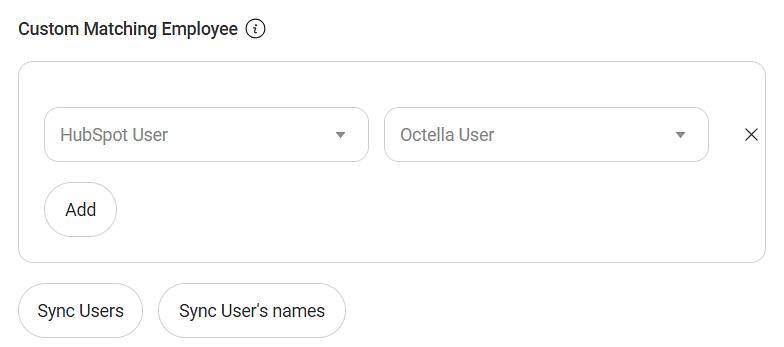
Custom Matching Employee
Incoming calls are redirected to the Contact Owner (personal manager) specified in HubSpot.
Automatic Matching: After integration, employees are matched automatically, and calls are redirected by user email.
Manual Matching: Manually match employees in the interface. Such connections will have priority over automatic matching.
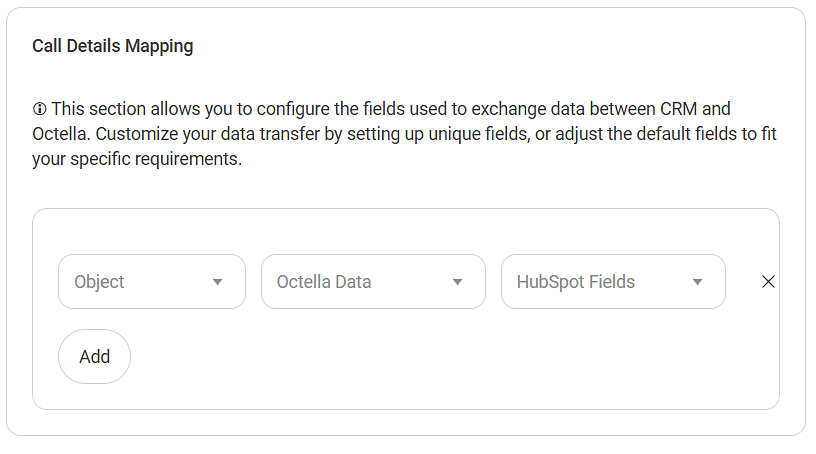
Call Details Mapping Configuration
Specify the entity from HubSpot (this can be a deal, contact, or ticket), then specify which custom field of the entity you want to transfer additional call information to.
This website uses cookies
Octella uses cookies to improve your experience with our website. Read our Cookie Policy to learn more.